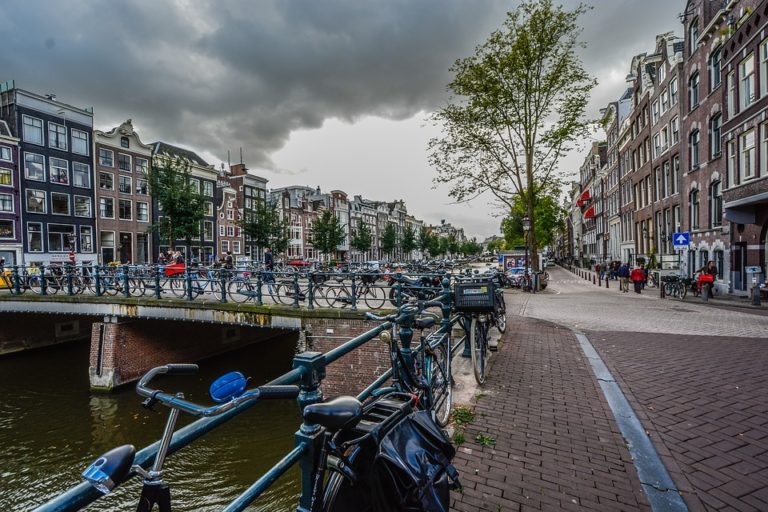
Dreary days got you down? Well jump right back up, because a second-chance of summer is coming our way. The rain has (mostly) dried up, and the next few days are looking fine like sunshine!
The last few weeks of Autumn have left us, let’s face it, wanting more. More summer that is. Despite those ridiculous heatwaves and record-breaking temperatures, we’re still not ready to say sayonara to the sun.
“The weather is moving in the right direction this week. We can expect some showers on Wednesday and Thursday, but then it will be dry and the sun will reappear,” says Martijn Dorrestein of Buienradar told RTL Nieuws.
According to Dorrestein, the wind will be relatively still and the sun will be shining in the first half of the week, so heading outside is a must. What are you doing still reading this article? Go, go, go! (But actually, wait, and we’ll bring you the forecast first.)
Today
The sun has come out to play! There will be a small shower in the north-west, and potentially the north. The temperature hasn’t quite risen to the challenge, but is still comfortable at around 18 degrees.
This evening it’s virtually cloudless! We’re in for a risk of a few dense fog banks locally, and some areas on the northern coast will drop to 4 degrees. Brrr!
Buinradar are predicting “significant periods of sunshine” – yesss! Bah, it may be a little cloudy in the north, and there may even be some local light rain showers, but let’s not focus too much on that.
The temperature in the afternoon will be hovering between 17 degrees in the north to 20 degrees in the south, with a weak wind for most of the country.
Following Days
Wednesday and Friday we’re in with a chance of some rain, so it’s not all good news. It’s coming across from the tropical storms Dorian and Grabrielle, but thankfully we won’t be hit anywhere near as hard. Thursday the temperature will still hit around 20 degrees, but is expected to take a hit on Friday.
However, there’s a chance of a little bit more summer weather over the weekend. Are your fingers crossed? They should be!
Got plans for this late-run of summer weather? Or are you waiting for the rainy season? Let us know in the comments below!
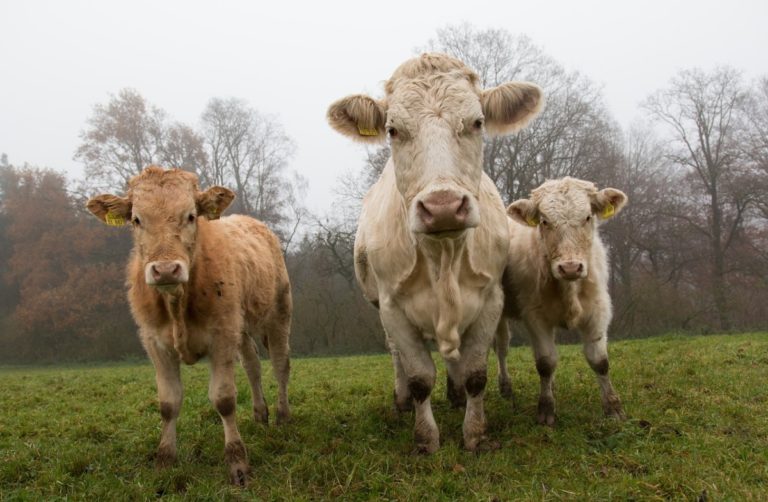
The government party D66 have revealed plans to reduce the amount of livestock by half. D66 believe that if fewer nitrogen emissions are produced from livestock, this will free up the nitrogen emission quota and enable the government to address the housing crisis by building more houses and other infrastructure projects.
This plan was generated after it was realised that the Nitrogen Approach Program (an initiative to limit nitrogen emissions) was failing but the Council of State’s limitation on the Netherland’s nitrogen output still needed to be adhered to.
For D66 MP, Tjeerd de Groot, it is an obvious decision. He tells RTL Nieuws “70 percent of Dutch nitrogen emissions come from agriculture, a large part of which comes from intensive livestock farming. That is huge. At the same time, the contribution of intensive livestock farming to our own economy is less than 1 percent. The ratio is completely lost.”
De stikstofuitspraak vraagt om radicale keuzes. ? Bescherm de natuur ? Halveer de veestapel ❌ Stop de bio-industrie
Er liggen nu veel bouwprojecten stil. Met dit plan kunnen we genoeg huizen bouwen én beschermen we de natuur. ?
Encouraging farmers to transition to biological farming
Many intensive farm owners will struggle with the upcoming changes so it is intended that government assistance will be given to help farmers with the transition. De Grot also wants to give farmers a choice as to whether they completely stop their intensive farming or they switch to biological farming.
Biological farming produces far less waste and with a growing population and the pressure of climate change, it is imperative that food is produced sustainably. This means far less fertiliser, water and pesticides need to be used.
Source: stux on Pixabay
Other government parties and some farmers are not on board
Jaco Geurts, an MP for CDA party with a strong agricultural voter-base, announced earlier today on Twitter that “to get rid of the entire agricultural sector with a single pen stroke is not the solution to the nitrogen problem. D66 knows that very well.”
Poultry farmer Theo Bos has commented to NOS Radio One Journal that the plan is “too one-sided”. He believes that instead of reducing the number of animals, nitrogen emissions should be reduced with innovation.
Bos says it is far more complicated than the government seem to think because lots of meat is produced in the Netherlands but exported to Europe. The Netherlands is currently the world’s second biggest produce exporter.
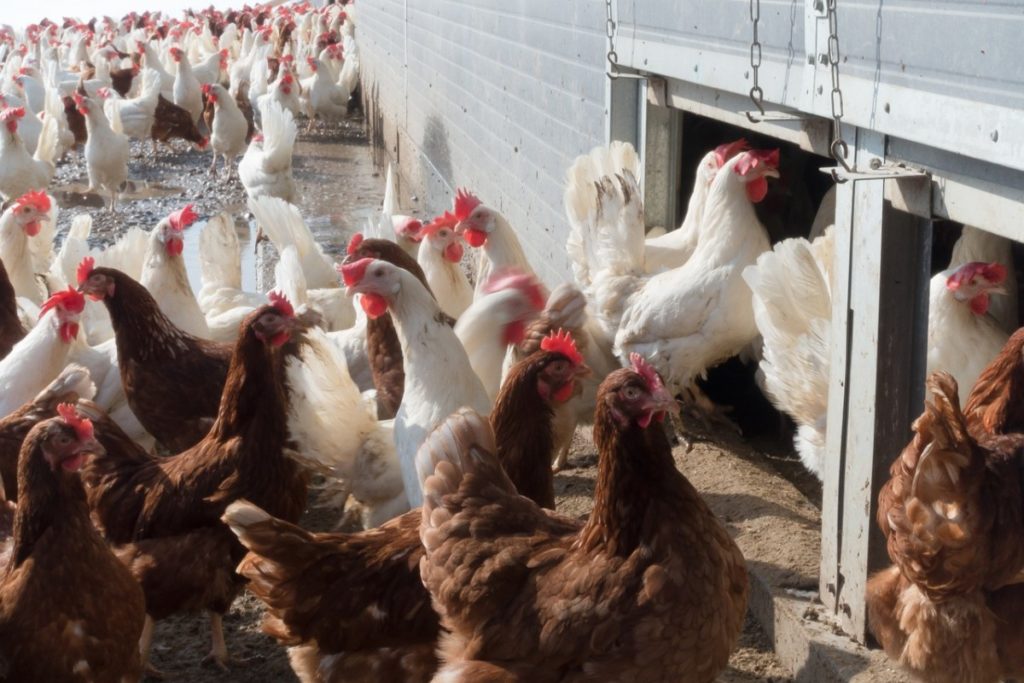
Bos laments “I have 55,000 chickens at this location. If I have to halve that, I must close my business” NOS reports.
What do you think of the plan to reduce livestock? Do you agree with D66’s plans to reallocate nitrogen emissions? Let us know in the comments below!
Feature image: JanTemmel on Pixabay
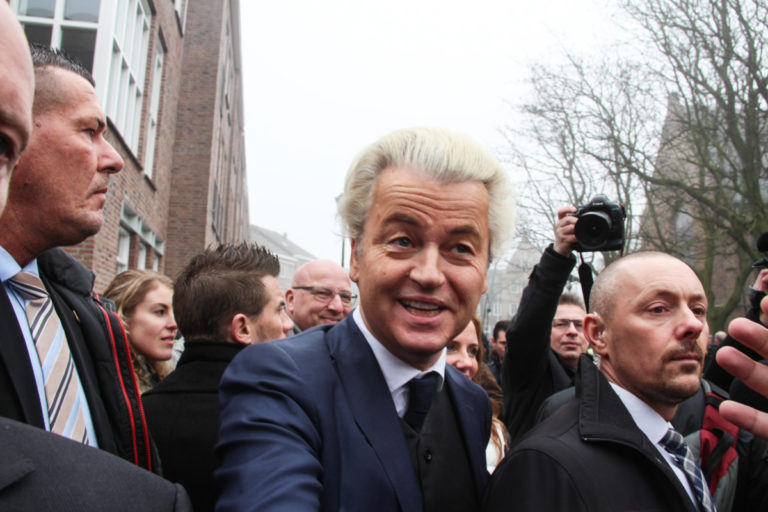
Ah, the United States of America! What causes more outrage than your bleach-haired president xenophobic outbursts? When your potentially-racist southern senator gets a happy snap selfie with the Dutch racist MP. That’ll do the trick.
We’ve all had those regretful social media moments on a night out, whether it’s a drunken status update, a not-so-flattering picture, or a regretful message to an ex. It seems politicians can also fall prone to these situations.
Our favourite (cough, cough, COUGH) Dutch far-right politician, Geert Wilders, posted the picture of him side-by-side with Lindsey Graham on his Twitter account last night. But, once American’s got hold of the image, in particular Washington Post political journalist John Hudson, Wilders deleted the post (let’s hope Graham wasn’t too offended!).
The Geert Wilders account has since deleted his photo with Lindsey Graham, but I had the tab still open on my browser so here it is: pic.twitter.com/WTQrTuHgZW
Lindsey Graham is a Republican and Senator from South Carolina. While he was previously somewhat progressive on some issues including immigration reform and was critical over the one-and-only Donald Trump, since March 2017 he’s developed a close relationship with the small-handed leader, causing some major scrutiny over his flip-flopping ways.
Meanwhile, Geert Wilders has made a reputation for himself as the Donald Trump of the Netherlands. But maybe worse. Yep, actually, definitely worse. He’s got hardline views on immigration, wants to reduce the number of Moroccans in the Netherlands, and is slowly trying to ban Islam. He’s also the subject of a number of court cases for racist statements made during his time as an MP.
Why is the post important?
It’s not only the posting of the photo that was significant, but the deletion of it almost immediately. The picture was taken at a European security conference in Italy, where Wilders predicted that far-right parties in Europe would make a comeback.
The Dutch politician Lindsey Graham is smiling next to has advocated banning the Quran, stopping the construction of new mosques, taxing women who wear hijabs, and shutting down the borders to immigrants from Muslim countries https://t.co/pZRRJZXcI1
It puts Graham in a tricky situation – does the photo show support for Wilders extremist views? Remember, we’re talking about a Dutch politician who once stated he ‘doesn’t hate Muslims’, but ‘hates Islam’.
Why was the post deleted?
That’s the bizarre thing – no one really knows. It was Wilders who deleted the post, not Graham. A spokesperson for the American politician told the Washington Post that Graham has no idea why Wilders deleted the tweet.
“Mr. Wilder took a photo with Sen. Graham as did many others at the conference,” spokesperson Kevin Bishop said. He doesn’t have an explanation for why the photo was removed, but told Washington Post “you may want to ask [Wilders].”
Perhaps it wasn’t Wilders best angle? Not instagram-worthy enough for a repost? Bad lighting? Needed to retouch his hair? We may never know.
What did Twitter have to say?
Well, as always, the Twitter comments were absolute gold. A lot of people chose to comment on the bizarre size difference between the two politicians:
Are these two best buddies or just wayward politicians? What do you think of the outrage over the pic of the pair? Justified, or an overreaction? Let us know in the comments below!
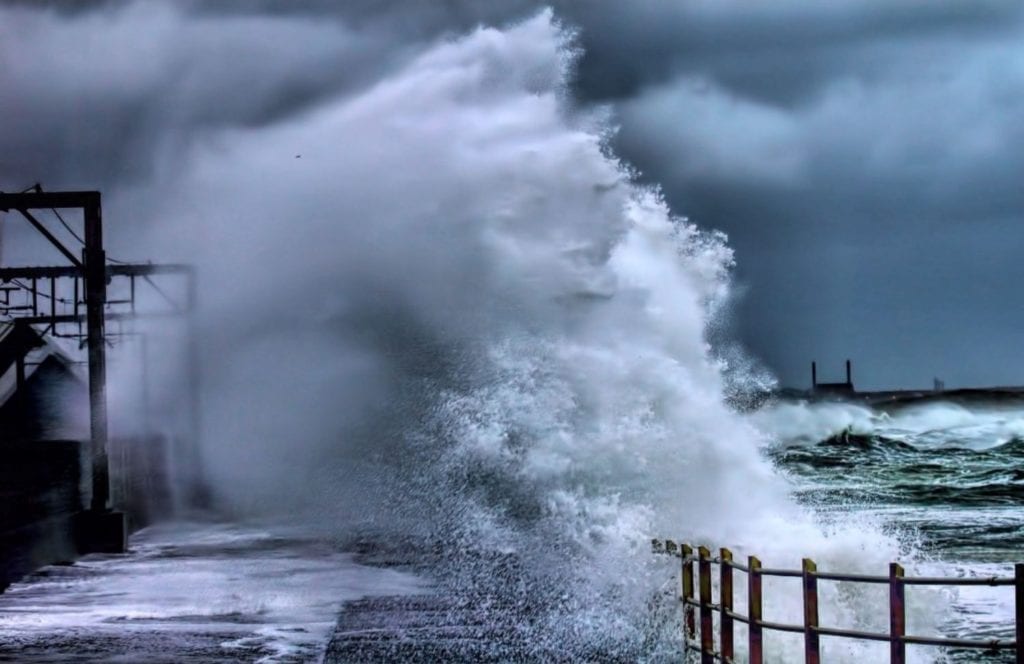
The Dutch meteorological service (KNMI) has selected a variety of Dutch names by which storms will be known in the future. The combined list with the British and Irish weather services will increase familiarity and recognition of storms.
It won’t be Hurricane Lieke or Hurricane Jeroen though: instead the names will be based on Dutch people from history. The Dutch names to make the list will be Jan and Kitty (although we’re not sure the severity of the situation will come across for Hurricane Kitty – meow!)
Regardless, the names are pretty significant. Jan refers to Jan Pelleboer and Jan Buisman, the former being the first weatherman on radio and tv and the latter a historical geographer.
Meanwhile, Kitty is a reference to Kittie Koperberg, a war victim from WWII. She worked for the KNMI from 1938, until she was deported by Nazis to a death camp in Poland where she was gassed with her sister.
Why are the Dutch Naming Storms Now?
There was previously not a naming convention for Code Orange and Code Red storms in the Netherlands. However, the Dutch have hopped on board with the system after research showed that a colloquial name triggers more recognition in the public about recent events.
#Stormen met een code oranje of rood voor windstoten krijgen vanaf nu een naam. Het KNMI heeft samen met de weerdiensten @metoffice (Groot-Brittannië) en @MetÉireann (Ierland) een lijst met stormnamen voor seizoen 2019-2020 opgesteld. https://t.co/4JFILfN3zKpic.twitter.com/YXR7PzRHMJ
But the names didn’t come from nowhere. There were thousands of suggestions, including Dennis, Gerda and Willow. No names starting with Q, U, X, Y and Z are used in line with international standards.
The full list of storm names for 2019-2020 from the Netherlands, UK and Ireland:
The list goes alphabetically, so the first storm this year will be the female name Atiyah, and the second storm will be a male named Brendan. The storms always alternate between male and female names.
Interestingly, research has found that storms that have female names are more likely to hurt people than male storms. That’s not because females come out swinging with a vengeance, or some bizarre tribute to women’s rights and power. Rather, scientists believe it’s because people find female names less threatening, according to the BBC.
Why did the UK, Ireland and Netherlands team up?
It’s not because they’re best buddies, or because they like each other’s names. Instead, it’s as simple as the geographical area they share. Storms don’t limit themselves to borders, nor will they be stopped by Brexit.
“Because many people travel between our countries, the use of names makes it a lot easier to estimate the dangers of a large storm system,” KNMI director Gerard van der Steenhoven told NOS.
What names would you like to see make the list next year? What do you think of the new naming conventions? Let us know in the comments below!
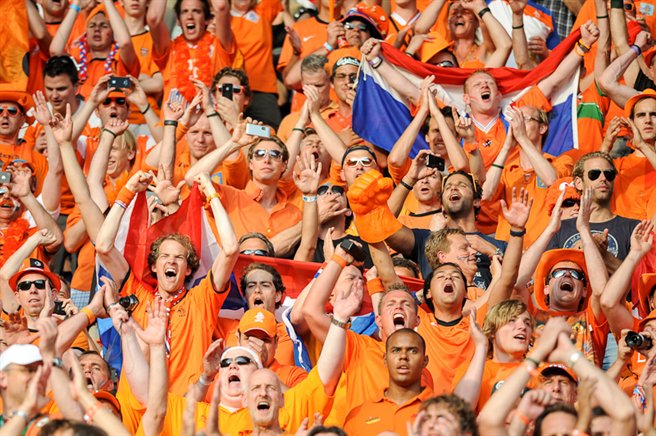
The Dutch men’s football team have a lot to live up to after their women’s side not only won the Women’s European Championship in 2017, but placed an almighty and unexpected 2nd in the Women’s World Cup just this year. Now the men are fighting for their place in next year’s Men’s European Championship (EK).
It’s two more months of battle for a place in the EK, with the Netherlands fighting it out with Northern Ireland and their ultimate rival Germany. Only the best two countries in the group will qualify, but the Netherlands is currently placed 3rd on the ladder.
The Dutch men will come face-to-face with Germany this evening and will need to produce a stellar performance to jump a place, after losing to the team in a home match earlier this year.
Without a win tonight they’ll be in trouble, needing to make up another 11 points in the next five games. They’ll have chances when they face Northern Ireland twice, Estonia twice, and Belarus once.
Current Group C Ladder Positions
1. Northern Ireland
4-12 (7-2)
2. Germany
3-9 (13-2)
3. The Netherlands
2-3 (6-3)
4. Belarus
4-0 (1-9)
5. Estonia
3-0 (1-12)
You can catch tonight’s match op de televisie: 20:45 on NPO1 from NOS
Will you be watching the match tonight? Or are you planning on cheering on the team if they make the EK? Let us know in the comments below!
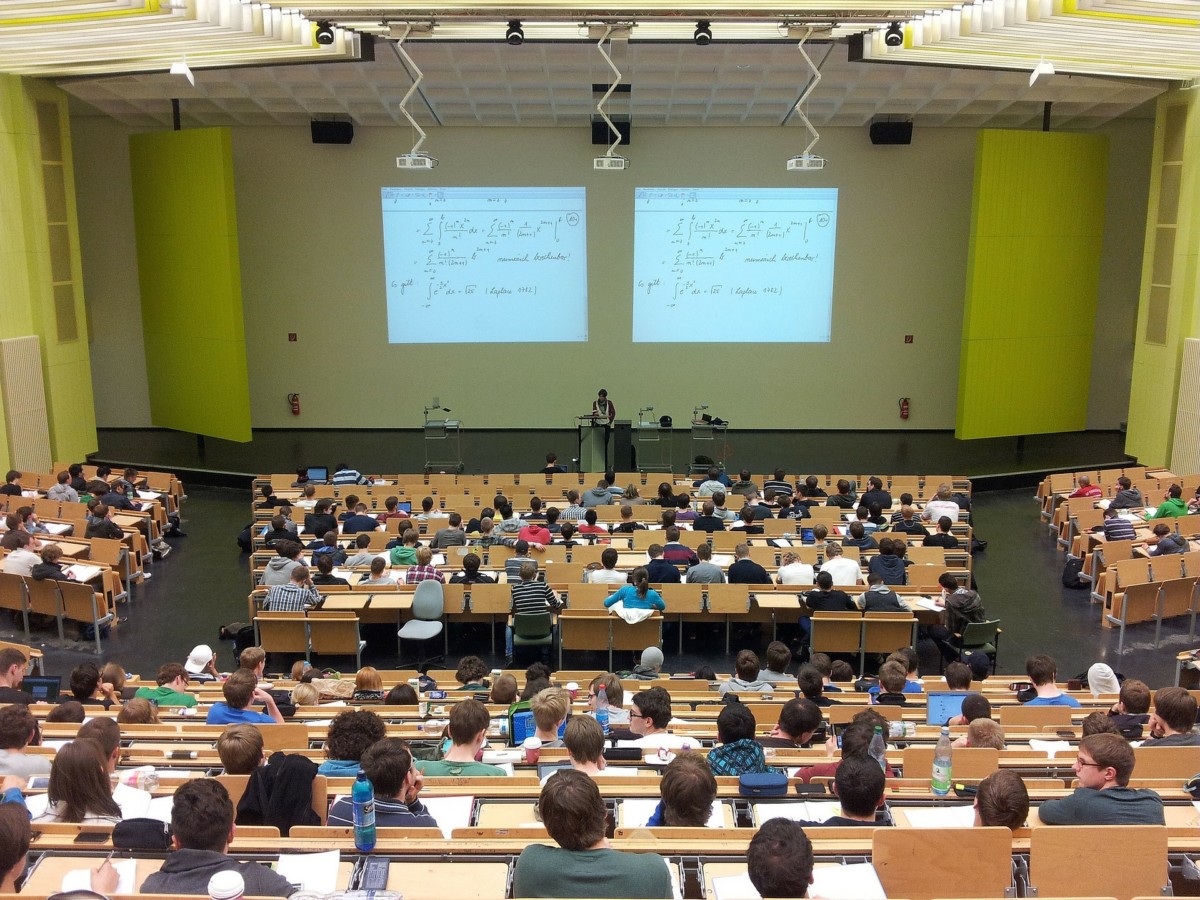
If you’re a new international student, then welcome! You’re coming at a very interesting point in time in the Netherlands. The internationalization of Dutch universities has been the point of discussion ever since (I’m guessing) the first English program was introduced into one.
It usually goes on tangents of how this is leading to the dilution of Dutch programs making studies inaccessible, increased competition for Dutch graduates in the labour market, and what a huge investment it is.
Why is internationalization of Dutch universities good for the Netherlands?
“We think internationalization is basically good,” explains The Association of Universities (Vsnu) spokesperson Bart Pierik. He said that it raises the Netherlands’ position globally and improves avenues for scientific research.
pixabay
But how exactly would investing in international students be a financial benefit for the economy? It was found that a student from outside the European Union would require an investment of 160,000 euros. However, if they get a job after graduation, this would result in around 250,000 euros being given back to the Dutch economy. But this is only if they manage to find a job (easier said than done), and ultimately pay taxes. If that’s the case, they could also “alleviate the shortage on certain parts of the labour market”, according to the CPB report.
Why do they come and why do they stay?
In 2018, foreign students made up 11.5 percent of the total number of students in the Netherlands. The Dutch system of higher education offers a better alternative to other systems with lower tuition fees, high-ranking institutions, and a chance to get a globally recognised degree.
In addition, being a student in the Netherlands is smoother with English being so widely spoken, the opportunities to integrate into Dutch culture, and the option to apply for a graduation visa to find a job.
You can see this reflected in the number of non-EU graduates who choose to stay behind – only 10 percent of HBO (universities of applied sciences) and 15 percent of university students from Europe stay as compared to 29 and 31 percent from outside.
Push back against internationalization
But there are widespread sentiments pushing back against this internationalization. The main criticisms include the fact that there are more and more programs being offered in English (20 percent of bachelor programs, and 70 percent of masters programs). The National Student Union (LSVb) fears that this would make higher education inaccessible to a lot of the Dutch population.
Are you a new international student who is trying not to get scammed after just making the big move to one of the student cities in the Netherlands like Rotterdam, Amsterdam, or somewhere else? What do you make of this? Do you agree? Or do you think it’s a good thing? Let us know in the comments below if you are, or even if you aren’t!
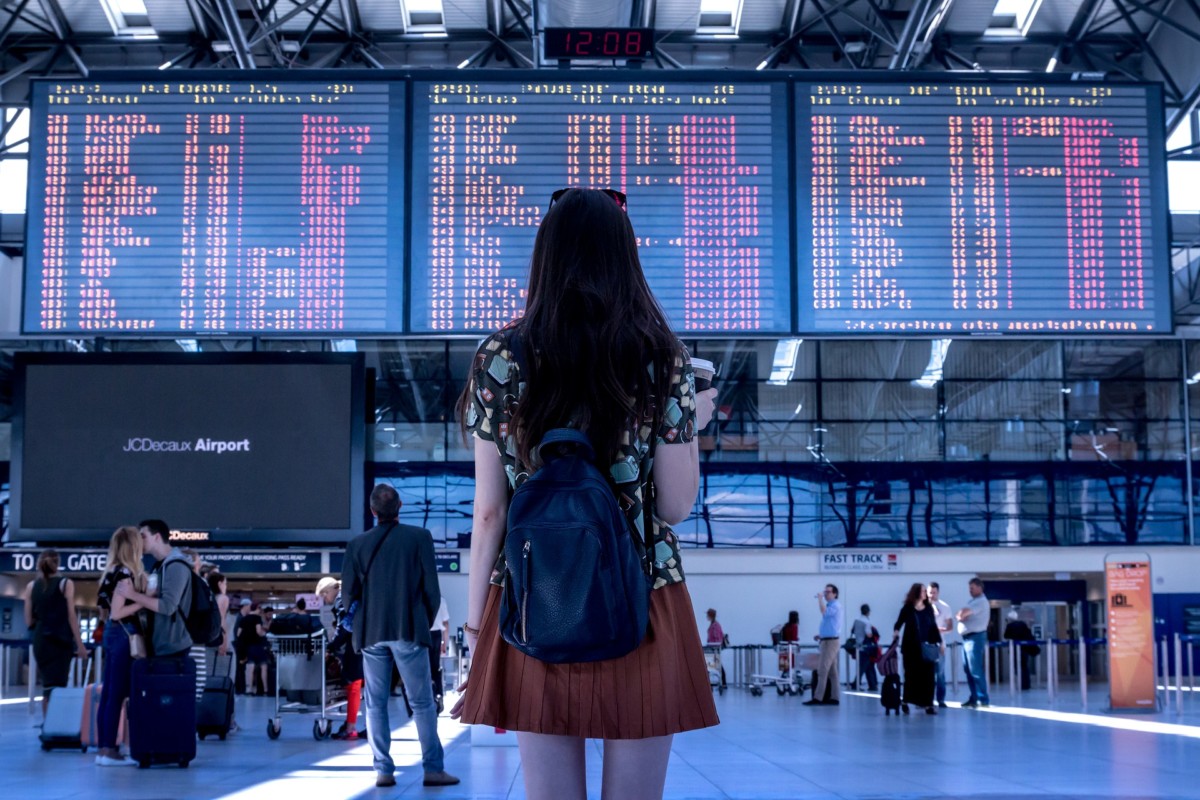
Good news for anybody who is tired of going to Schiphol and finding yourself lost in the huge holiday crowds: NOS is in the possession of a draft decision from the European Commission which will now give permission to airlines to distribute their flights between Schiphol and Lelystad Airport.
Lelystad Airport? I’ve never heard of it!
I hear ya! Neither have I so after some quick investigative journalism, I found out that Lelystad Airport is actually not that far from the Randstad. It is only one and a half hours away from Amsterdam Central Station, nearly three hours from Rotterdam Central Station, two hours from The Hague, and two hours from Utrecht Central Station (which includes multiple transfers).
Barely anything, right?
Freeing up Schiphol during the holiday season
It is owned by the Schiphol Group and is said to be the largest general aviation airport in the Netherlands. Jokes, sarcasm and Randstad arrogance apart, the opening up of this airport will relieve Schiphol of a lot of pressure and crowds it receives during the holidays. This has been in the works for nearly two years now, and The Hague and Brussels seem to be ready to finally come to a unanimous decision.
As they want to encourage this, airlines who willingly give up their spots at Schiphol or use them for transfer flights will be given priority at Lelystad. This priority will be valid for 25,000 flights in a year. As of now, only Transavia has shown interest in moving to Lelystad, and its parent company, KLM, will be using its slots for transfer flights. However, TUI and EasyJet want to stay put, and Corendon will make the move only under “certain conditions”.
When will Lelystad Airport be in full operation?
That’s going to be difficult to say. They were planning on opening in April 2020, but it seems that they will have to rethink that date and postpone it. As of now, the formal decision will be released by the end of September. But their problems don’t stop there. They have to also appease resident groups in Gelderland and Overijssel by redesigning the airport so that they no longer have “low-flying” routes.
What do you make of this? Do you think that more airlines would be willing to move to Lelystad Airport, or do you think this will not gain momentum anytime soon? Let us know in the comments below!
Bad news for anyone living in the Randstad; a new report released by the National Institute for Public Health and Environment (RIVM) shows that 5-6% of all deaths in the Netherlands are due to environmental factors. Randstad residents in particular have a far increased risk of cardiovascular and heart disease, with some of the highest pollution rates in Europe.
Forget freely spinning windmills, petrol-less bikes and rolling green fields. The new report shows the Netherlands just isn’t as green as we would like to think. In fact, the air can be downright dirty, particularly in places like Amsterdam, Schiphol and Rotterdam.
Onno van Schayck, Professor of Preventive Medicine at Maastricht University says that avoiding living in these areas is the only solution. “Amsterdam is a fantastic city, but certainly not healthy,” he told RTL Nieuws. “Just like other heavily polluted places. You smoke in the most polluted places unnoticed five to ten cigarettes every day.”
Check out the full map and enter your postcode to see what air pollution is like near your home.
Umm, what? That couldn’t have anything to do with the green plumes of smoke that engulf Amsterdam every day, could it? But we thought that was natural!
What are the effects of the dirty air?
Dirty air and noise are contributing to the deaths of ten to fifteen thousand Dutch people each year, according to the data from RIVM. The risk in Schiphol, Amsterdam, and Rotterdam is sometimes up to three times greater than in cities like Drenthe, Groningen, or on the islands.
De Randstad is één van de meest vervuilde gebieden van Europa. Tien tot vijftienduizend Nederlanders overlijden jaarlijks aan de gevolgen van vieze lucht en herrie. Vooral rond Schiphol en Amsterdam zijn de gezondheidsrisico's hoog.https://t.co/F8MZF3KzYJ
“This is not a little bit of a problem. This is a huge problem. It’s about thousands of people. Ten to fifteen times more people die from these factors than from traffic accidents. The Randstad is one of the most polluted areas of Europe. And yet a huge number of people live on top of each other,” Van Schayck told RTL Nieuws.
Almost half of the Dutch population live in the Randstad, and are being exposed to too much nitrogen, particulate matter, and ambient noise on a daily basis.
What should be done to resolve the problem?
On a family level, relocating to a less populated area will help, particularly for children with asthma. But, on a national level, resolving the issue is far more complex. Experts are recommending radical measures, such as reducing the attraction of flying, and banning two-stroke mopeds, diesel cars, and parking in city centres.
What do you think about the latest data? Do you feel the results of living in the Randstad in terms of air pollution? Would the latest data stop you from living there? Let us know in the comments below!
We all love a good dose of art and culture, but sadly the Dutch museums rarely abide by the cheap Dutch mentality we’ve come to love (or hate?). But, good news for anyone who wants to see world-class art without becoming a starving artist themselves: a priceless painting from our fave guy Rembrandt is coming to Amsterdam – and Amsterdammers can see it for free!
De Nachtwacht (The Night Watch) is one of the most famous paintings in the world, so the chance to see this for free cannot be missed. But it gets better: it’s currently undergoing ‘research and restoration’, and this will be viewable on the evenings. A priceless painting, with a priceless experience – and a priceless cost! (literally).
Why should you watch the Night Watch?
This amazing piece of history was painted way back in 1642. Not even my grandfather remembers back that far. It depicts members of the Civil Guard, who paid stacks of money at the time to be portrayed. Now they’re encapsulated in the painting, a window into history of real-life officers, shooters, and other civilian guards who watched over the city in the 17th century.
According to the Amsterdam Municipality, the painting holds all kinds of secrets. “Riddles about the people who stand on it. Because who is that girl for example?” the website reads. “And what is the story behind that signature that is on that ribbon? And is that eye of a man in a hat at the back, really from Rembrandt himself?”
The restoration process involved 56 scans with a special X-ray machine. These scans will provide the restorers with vital information about the painting process that Rembrandt used. Using this information they know how to maintain the painting for future generations. What a technology!
Het pigment dat Rembrandt gebruikte om blauw te maken in de Nachtwacht heet smalt. Slechts 4% had deze vraag in onze vorige tweet goed.
Alle Amsterdammers kunnen de Nachtwacht gratis zien tijdens de open avonden.https://t.co/eR2SWIJyx2
The free evenings are planned for September 18 and 21. Buuut, there’s a catch (okay, a few):
POSTCODE: only people living in the postcode areas of 1000-1099 or 1100-1109 are allowed to visit.
REGISTER: if you’re in one of these lucky areas, you also have to register on the Rijksmuseum website. One person can buy one ticket only, and tickets are on sale now (so hurry up!)
AVAILABILITY: only 2500 people per night can see the masterpiece.
Will you be heading to the Rijksmuseum for this priceless experience? Just a huge Rembrandt fan? Let us know in the comments below!
If you’re a loyal DutchReview reader, you already know that Tilburg is one of our favourite cities in the Netherlands to keep on our radar. It is the seventh-largest city in the country and is one of the best places for you to explore if you want to get out of the Randstad. As we all know, the Netherlands is more than just that holy quadrangle, and we love reminding people of that 😉
Why is it always on our radar, though? Well, you need only discover that this city is like no other when it comes to keeping up its zeal to constantly transform itself, enhance its ever-growing vibrant culture, and come up with new ways to push the boundaries in every sense. With unique spots like Doloris, the Spoorpark, and the LocHal constantly putting the city on the map for various things.
This time, we’re going to bring you the highlights of Tilburg, things for you to see and do, the latest in their cultural events and concerts, theater productions you cannot miss, and more!
Want to get familiar with their cultural scene first? Don’t worry, DutchReview has everything you need to know about Culture in Tilburg.
Click that article and read up on the iconic ‘013’ pop venue in Tilburg, because that’s where it’s happening folks:
#1 Ayreon at 013
When: September 13, 14, 15 Where: Poppodium 013, Tilburg
Ever heard of Ayreon? It is a project that is spearheaded by a Dutchie of many talents, Arjen Anthony Lucassen. A huge chunk of their musical albums span different genres – from progressive rock to classical music – and is most often described as a rock opera. They give grandiose performances with intricate storylines and a slew of characters, taking you into a whole other dimension!
Here is just a small taste of what their performances entail!
They have visited the city of Tilburg and Poppodium 013 before with sold-out shows in 2017, and they’re back this year with four new performances. Arjen himself will be performing, so this one promises to be a delight!
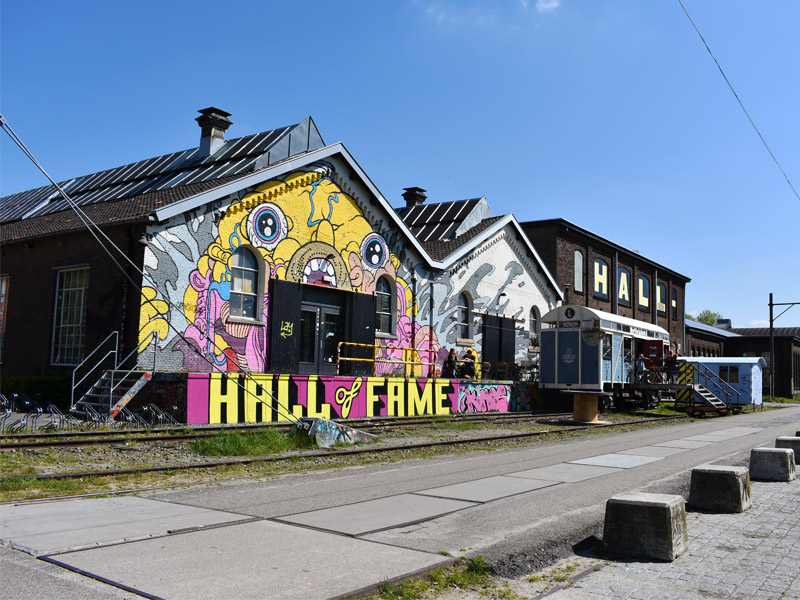
Nope, I did not misspell badminton, a game I have never been able to play. Bandminton is a recurring event that happens in the Hall of Fame, Tilburg where two bands battle it off by taking turns to play tunes to see who will turn out to be the ultimate winner.
The genre of music for both the bands are rock, so get ready for some head-banging, and lots of fun. Check out the Facebook event for more information. Or get your tickets here for one euro lesser than what you pay if you bought them at the door.
#3 Smaak Karavan
When: September 13 -15 Where: Spoorzone, Tilburg
Is any closing month of summer done without a FREE food truck festival? I think not! This one has almost 2000 people ‘interested’ in coming on their Facebook event. Are you going to be one of them?
Go to enjoy the scrumptious food, the lip-smacking drinks, and relaxing music playing on the background. They promise to have something for everyone – from the meat-lovers out there to vegans! It promises to be delicious food no matter cuisine, so perhaps the perfect opportunity for the meat-lovers to convert? 😉
#4 Draaimolen Festival
When: September 13 – 15
Where: MOB Complex, Tilburg
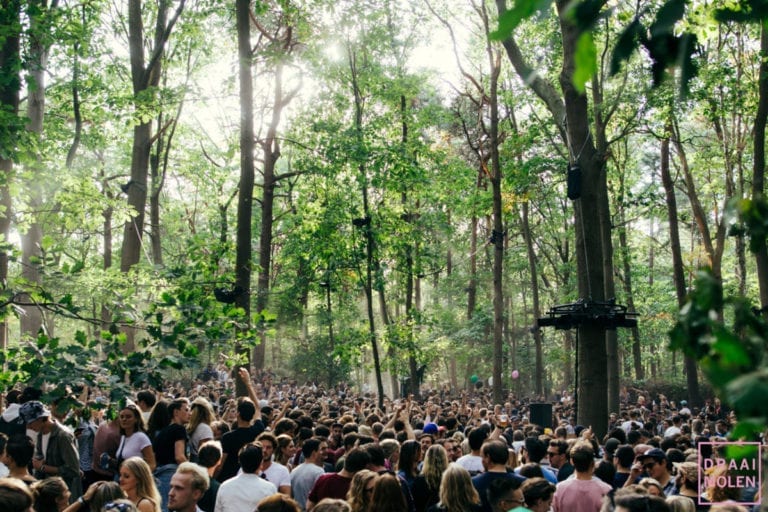
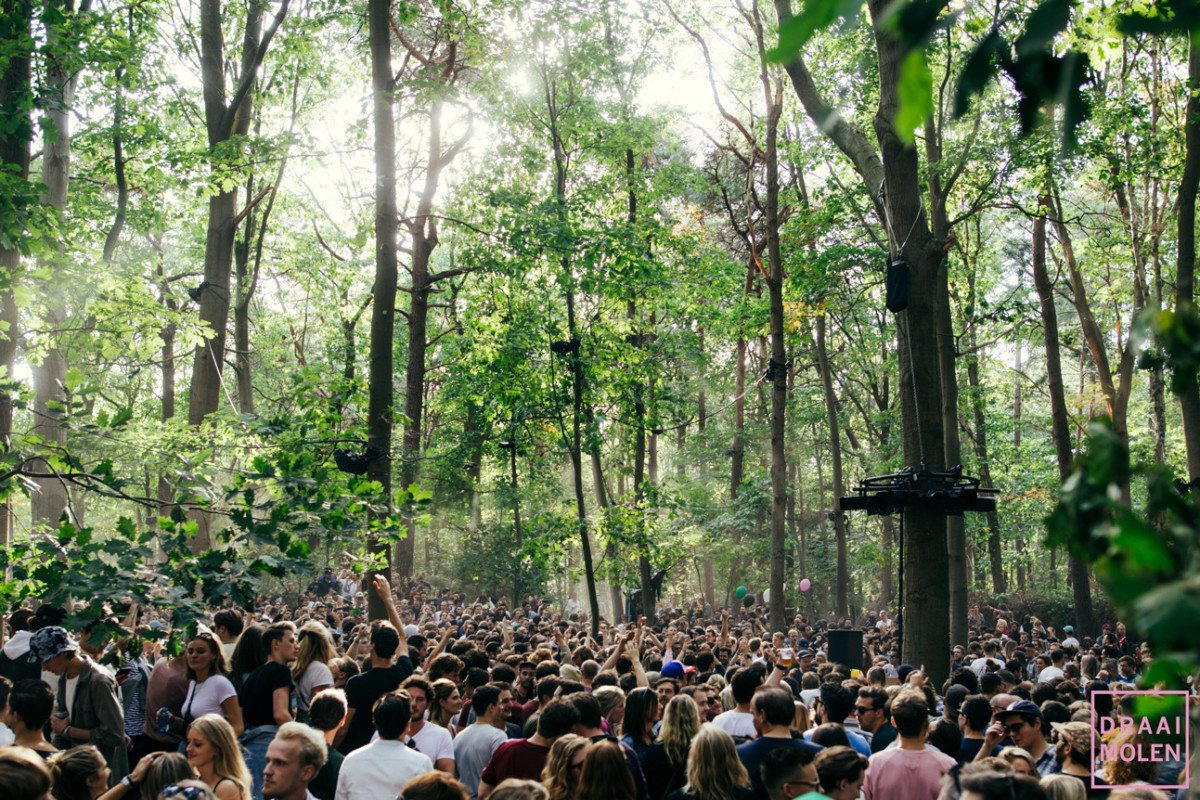
Draaimolen, an organisation that was started only in 2012, has been organising numerous music festivals and concerts for all the residents of Tilburg and beyond to enjoy. According to their website, they are one of the top 50 festivals in the Netherlands (yes, the Netherlands has more than 50 festivals every year!), with events happening during the Tilburg Fair, the Carnival, and many more individual events.
Cover pic source: merktilburg/draaimolenfestival
Their landmark festival every year has been the Draaimolen festival. This year, they are moving to a new location: a former ammunition depot that was supposed to be a mall, but now is host to a plethora of different events!
Not yet convinced? Check out their aftermovie from last year!
Did the video get you hooked? I knew it! You can buy tickets for this festival that attracts many national and international artists on their website. If you want to camp, remember to buy them separately, and remember that camping tickets do not give you access to the festival!
#5 Ian Siegal in Tilburg
When: September 15 Where: Paradox, Tilburg
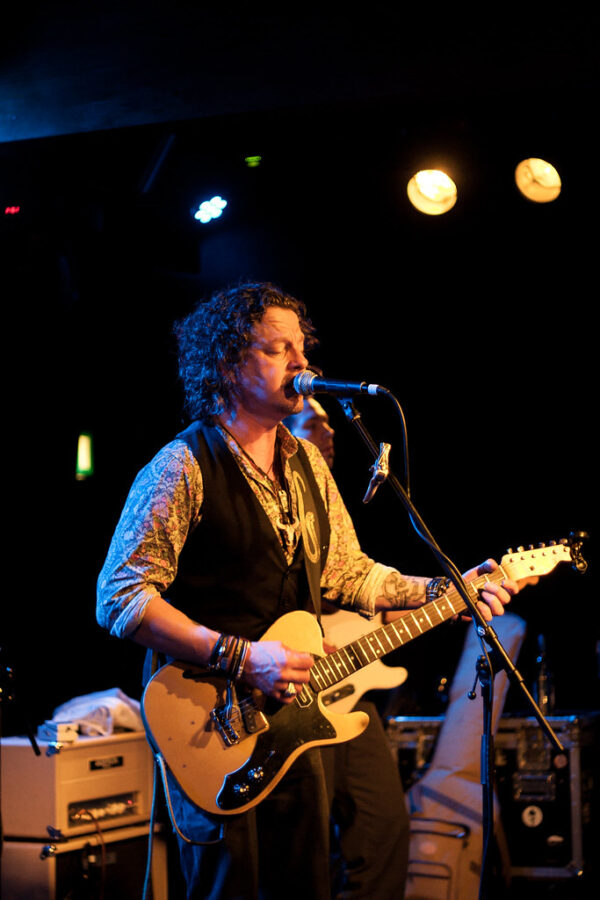
Are you familiar with the British blues scene? Then you might have heard of Ian Siegal, a blues musician who is (probably) a well-known name for anyone who knows the distinction between Jazz and Blues. He will be performing right here in Paradox in Tilburg for one evening only! The entrance prices are very affordable and is guaranteed to be one of the best ways you could spend a Sunday evening.
Photo credits: BenGrantham/flickr
#6 Make It – Jazz Festival
When: September 19 – 21 Where: AMPA Jazz Round, Poppodium 013, Paradox, and Theaters Tilburg
Make It is a festival that launched for the first time in 2018 and is coming back around to treat Tilburg with some smooth Jazz sounds again this year. As it’s a festival still in its infancy, they offer a platform for the new voices and melodies of tomorrow in Jazz music.
They invite international guests who have been raising the stakes abroad but seem to be unheard of in the Netherlands. So if you’re looking to be the first one to introduce new and upcoming talent in Jazz to your friends here in the Netherlands, you know where to go!
This is their aftermovie for the first day of the festival from last year!
For the Jazz enthusiasts out there, hurry and get your tickets! Just be sure to check the full program before you decide whether you’ll buy day tickets or tickets for the whole festival – they have multiple venues with performances happening simultaneously. Feeling strapped for cash? The be sure to go to their free concerts on Thursday!
#7 The Soul of the Wolf
When: September 21 Where: Factorium, Tilburg
Looking for a haunting experience that will stick with you even after the performance is over? Then mark your calendars for this one. The Children’s Ensemble from Latvia will give you a dazzling performance of two worlds: one of the people and one of the wolves. 45 children will showcase these two worlds for you through their haunting voices, a spectacularly choreographed dance and an intricate play.
Getting curious and want to find out more? Just go here! You will find all the information about the performance, the venue, where to get your tickets, or anything else. Or you can even press ‘interested’ in their Facebook event to stay updated.
When: September 26 Where: Stadstuinderij Piushaven, Tilburg
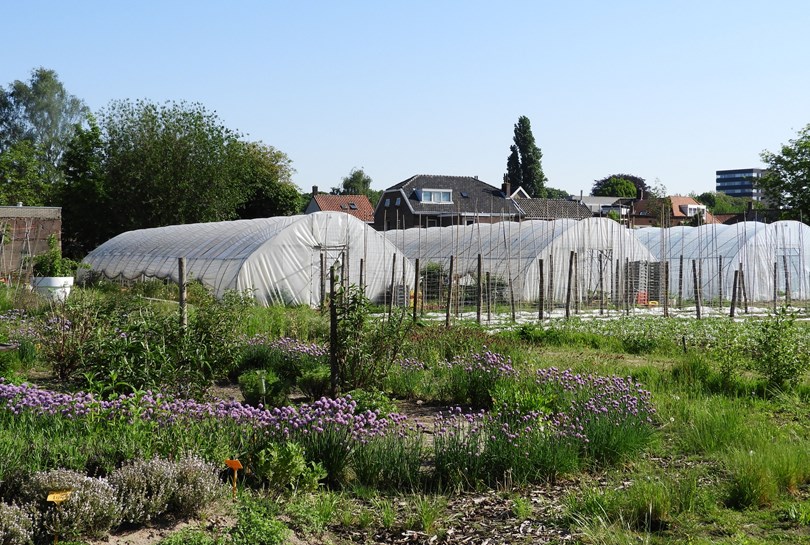
Curious about the regional food that you can find in the city of Tilburg? Don’t know where to go to get a little taste of special veggies and fruits which are grown and sold around the city? 013 Food and StadsTuinderij have partnered up to bring you a taste of summer on the last Thursday of every month between 6 pm and 9 pm.
Source: merktilburg.nl/ Michaël Molenaar
This will be their last edition for the year so go for a tasting of the regional food, some sweet music playing in the background, and the perfect opportunity to bid goodbye to the last days of the summer.
And with those events happening in Tilburg in September, you can bid adieu to the summer and gear up for the winter. There’s plenty more events happening in 2019! Also, don’t miss out on exploring the gorgeous nature in Tilburg (told you Tilburg has got a lot going on!) when the weather is still comfortable.
Also did you know that the LocHal is one of the top four best libraries in the whole world? Or that the Spoorpark is the largest citizens’ initiative in the Netherlands? Tilburg is also home to one of the only solar-powered bus stations in the Netherlands!
Did we miss out on any event? Are was there a specific kind of event you were looking for that we haven’t touched upon? Let us know in the comments below!